Saved views
Keyword-driven slices of every calendar at once: therapy, work, travel, or a holiday countdown. Up to three views free; unlimited with Sift Plus.
For iPhone
Sift filters every calendar on your iPhone into focused views with live countdowns on Home Screen, Lock Screen, and StandBy. The events that matter most surface in time to prepare, not the day before.
Also on Apple Watch.
Free · iOS 26+ · No sign-up required
Saved views in the app. Countdown widgets on every surface you check. Siri and Shortcuts when you want it hands-free. All on-device, no account.
Keyword-driven slices of every calendar at once: therapy, work, travel, or a holiday countdown. Up to three views free; unlimited with Sift Plus.
An iPhone calendar widget for the next match from any view, with a live countdown. Card or countdown style, in Small through Large sizes.
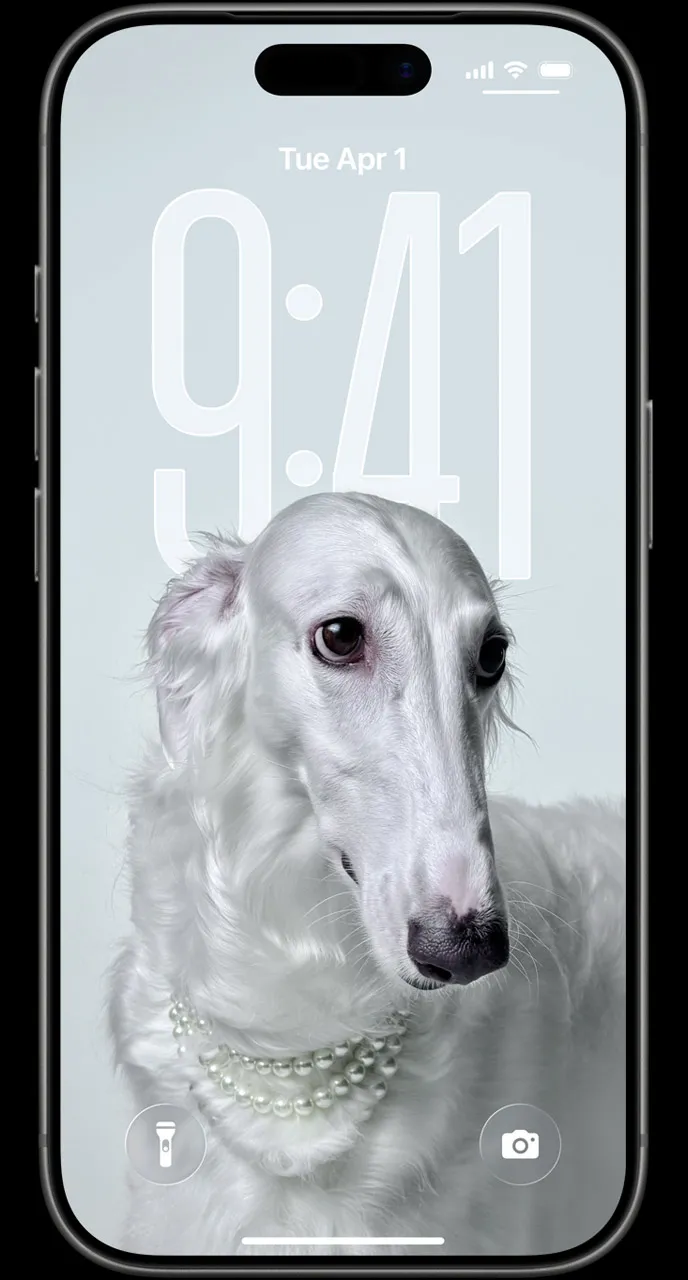
A Lock Screen calendar widget and StandBy countdown keep how soon the next thing is visible without unlocking your phone.
Ask what's next for any view, or open Sift from a Shortcut. Spotlight finds your saved views by name.
If it appears in Apple Calendar on your iPhone, Sift can filter it. Your events stay where they are. Sift brings matches into focus and counts them down.
Install from TestFlight, save one view, and put the countdown on your Lock Screen, Home Screen, or Apple Watch. Your calendars are already connected.
Free · iOS 26+ · No sign-up required